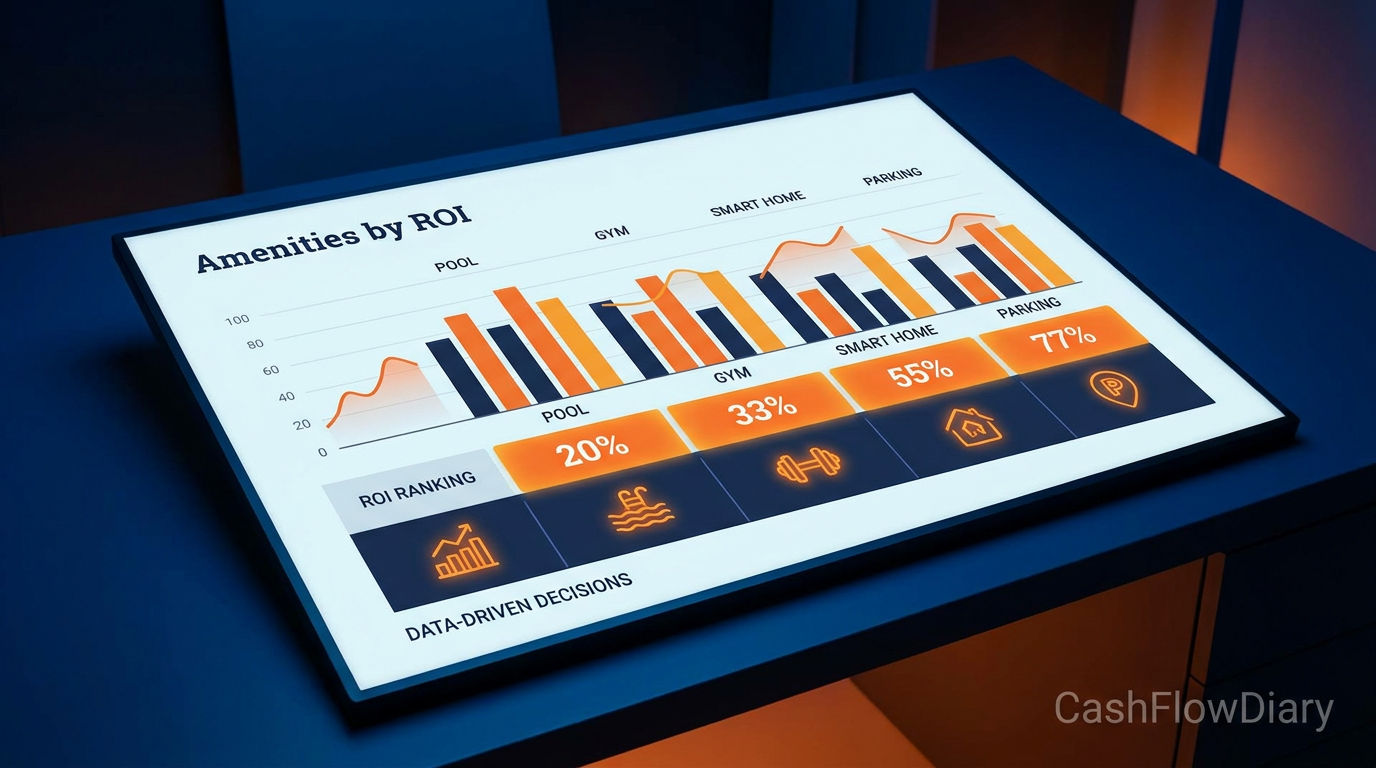
Someone asked on Reddit last week: what amenities actually move occupancy numbers for a short-term rental? They got 40 opinions. Most of them were noise.
This article cuts through it. Instead of listing everything that might help, here’s a ranked framework organized by the thing that actually matters: return on investment. How much does this amenity cost to install? How many additional bookings does it generate, and at what nightly rate premium? That calculation tells you where to spend first.
The framework is three tiers. Tier 1 amenities are non-negotiable — guests filter listings out if they’re missing. Tier 2 amenities differentiate you from competitors at the same price point. Tier 3 amenities justify a rate premium only after Tiers 1 and 2 are solid.
Why Most Amenity Advice Gets It Backwards
The typical advice lists amenities by how impressive they sound: hot tub, EV charger, game room. These are Tier 3 items. Focusing on them before your listing has fast WiFi and a functional kitchen is like buying a sports car when your brake lines need replacing.
Guests make booking decisions in a specific order. First, they filter by location and price. Then they filter by the presence or absence of specific amenities. The ones they filter by most are not the ones that show up in “cool amenity” lists — they’re the basics that every guest assumes should be there.
The occupancy impact of a missing Tier 1 amenity is enormous. A listing without WiFi in 2025 doesn’t just miss remote workers — it misses almost every guest category. A listing without a washer/dryer loses every guest staying more than 4 nights. These aren’t premium features. They’re table stakes.
Fix the table stakes first. Then add differentiators. Then consider premiums.
Tier 1: The Non-Negotiables (Guests Filter These Out First)
These are the amenities that, if missing, remove your listing from a guest’s search results before they ever see your photos.
Fast, reliable WiFi. Not “WiFi available” — fast WiFi. Run a speed test and publish the number in your listing. 200+ Mbps download is the current threshold for remote workers and families with multiple streaming devices. Install cost: $0 if you already have internet. Upgrade cost: $30–60/month. ROI: immediate — this is the single highest-impact amenity for occupancy rate.
Self check-in. A lockbox or smart lock. Guests overwhelmingly prefer the flexibility of arriving on their own schedule. Listings without self check-in rank lower on Airbnb’s algorithm. Cost: $100–$250 for a quality smart lock. ROI: algorithm boost + reduced coordination overhead for you.
Air conditioning. Non-negotiable in warm climates, expected everywhere in summer. A listing without AC in July is an empty listing. Cost: if not installed, window units are $150–$400 each for smaller spaces. ROI: seasonal occupancy protection.
Kitchen essentials. Guests cooking at least one meal during their stay is the norm, not the exception. Stock: coffee maker, pots/pans, plates/bowls/utensils for the listed capacity, dish soap, dish towels, paper towels, salt and pepper. Cost: $200–$400 to fully stock a kitchen. ROI: avoids 1-star reviews that tank your overall rating.
Washer and dryer in unit. For any stay over 4 nights, this is a filter item. “Free washer/dryer” is in the top 5 most-searched amenities on Airbnb. If your building has shared laundry, disclose it clearly — guests will still filter for in-unit. Cost: $800–$1,500 if not installed. ROI: significant — opens your listing to longer-stay guests and business travelers.
Tier 2: The Differentiators (What Wins 5-Star Reviews)
These amenities don’t appear in search filters the way Tier 1 does, but they determine which listing a guest chooses when comparing two similar properties at the same price point. They also drive reviews.
A workspace that actually works. A dedicated desk, a monitor or TV for screen mirroring, an ergonomic chair, and good lighting. Remote workers and business travelers make booking decisions based on this setup. Cost: $200–$600. ROI: unlocks the business traveler segment — typically higher nightly rates and longer stays.
Streaming services. Netflix, Hulu, or Amazon Prime logged in and accessible. The cost is trivial (you’re already paying for these). The review mentions are disproportionate to the cost. Guests consistently note streaming availability in positive reviews. Cost: $0 (use your existing subscriptions). ROI: review quality uplift at zero cost.
Blackout curtains in bedrooms. Night-shift workers, families with young children, and anyone who sleeps past 6am will specifically mention this in reviews. The absence of blackout curtains generates negative reviews. Cost: $30–60 per window. ROI: 5-star sleep experience mentions, fewer complaints.
Coffee setup worth mentioning. A Nespresso machine or a quality drip coffee maker with a local coffee recommendation card. Guests photograph and mention it in reviews. Cost: $80–$200. ROI: review differentiation — “the coffee setup was perfect” appears in a significant percentage of 5-star reviews for listings that have it.
Local area guide. A printed or digital guide with your 5 favorite restaurants, the nearest grocery store, pharmacy, and hospital, parking tips, and your contact for any issues. This costs $0 to create and generates “host went above and beyond” mentions in reviews. ROI: 5-star review conversion at zero cost.
Tier 3: The Premium Add-Ons (Worth It Only After Tiers 1 and 2 Are Solid)
These amenities justify a rate premium and can significantly increase your average daily rate — but only if your Tier 1 and Tier 2 fundamentals are in place. Adding a hot tub to a listing with slow WiFi and no blackout curtains will not save your occupancy rate.
Hot tub or private pool. In leisure markets (beach, mountain, vacation destinations), this is the single highest-impact Tier 3 amenity. It can justify a $40–$100/night premium and significantly boosts weekend bookings. Cost: $4,000–25,000 depending on type. ROI: calculate as (nightly rate premium × projected additional bookings per year) vs installation + maintenance cost. In the right market, hot tubs pay for themselves in 18–24 months.
Game consoles and entertainment. A PlayStation 5 or Xbox Series X adds a measurable nightly rate premium in family and group booking markets. Cost: $500–$600 per console. ROI: $10–25/night premium in markets with family demand. Locks up the unit, so use a secure mount.
EV charging. Growing in relevance, particularly in tech-forward markets and urban locations. A Level 2 charger costs $400–$800 installed and can justify $10–20/night premium for the right guest segment. ROI: currently a differentiator; becoming a Tier 1 amenity within 3–5 years.
The ROI Calculation: How to Decide What to Add Next
For any amenity you’re considering, run this math before spending:
Estimate how many additional bookings per month the amenity will generate (or what nightly rate premium it supports)
Multiply by your nightly rate to get additional monthly revenue
Divide the installation cost by additional monthly revenue to get payback period in months
If payback period is under 18 months, it’s worth doing. Over 36 months, reconsider.
Example: Blackout curtains at $50/window, 4 bedroom windows = $200. They prevent negative reviews that lower your rating, which protects occupancy. Assume they prevent 2 cancellations per year (conservative): 2 × $150 average nightly = $300. Payback: 8 months. Worth it.
Example: Hot tub at $12,000 installed. In a vacation market, assume $50/night premium and 10 additional booking nights per month = $500/month additional revenue. Payback: 24 months. Worth modeling further — run the numbers for your specific market occupancy before committing.
Your 30-Day Optimization Checklist
KNOW:
Tier 1 amenities are filters — missing them removes you from search results
Tier 2 amenities drive 5-star reviews and win head-to-head comparisons
Tier 3 amenities justify rate premiums only on a solid Tier 1+2 foundation
DO:
Audit your current listing against the Tier 1 checklist. Fix any gaps this week.
Run your actual WiFi speed and update your listing to show the number
Add one Tier 2 item per month: start with the workspace or blackout curtains
Only model Tier 3 amenities after your Tier 1+2 foundation is complete and you have 20+ reviews
TRACK:
Occupancy rate month-over-month (target: any Tier 1 fix should show measurable impact within 30 days)
Average daily rate (Tier 2 and 3 additions should allow rate increases without occupancy loss)
Review language — search your reviews for mentions of specific amenities to understand what guests value most in your market
The Bottom Line on STR Amenities
The guests who book your listing and write 5-star reviews are not primarily impressed by the hot tub. They’re impressed that the WiFi worked, the coffee maker was good, the checkout was easy, and the host left a local guide that saved them 20 minutes of Googling.
Start with the fundamentals. Build the differentiators. Add the premiums when the math supports it.
If you’re building a multi-unit STR portfolio and want to systematize this kind of optimization across every property, the STR Blueprint and SOAR Consulting walk through exactly how to standardize your amenity stack so every unit performs consistently without you managing each one individually.